Free Tool Guide
•
4 min read
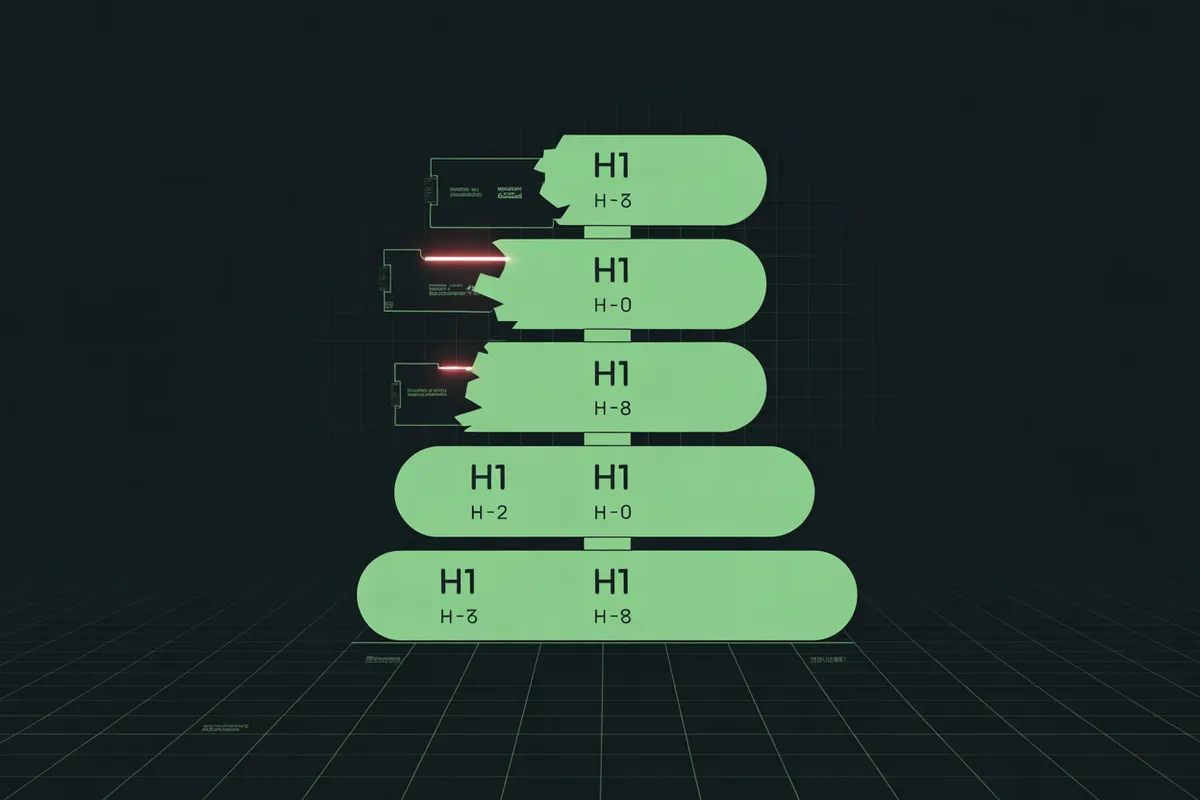
How to Use the Free Heading Structure Checker
Analyze heading hierarchy and find structural SEO issues instantly.
Try the Tool Now
Free, no signup required
Headings (H1-H6) create the outline of your content. Search engines use them to understand your page structure, and users scan them to find relevant information. The Heading Structure Checker analyzes any page's heading hierarchy and flags SEO issues.
Why Heading Structure Matters for SEO
- Content hierarchy — Helps Google understand main topics vs subtopics
- User experience — Scannable content keeps readers engaged
- Accessibility — Screen readers use headings to navigate
- Featured snippets — Proper structure increases snippet chances
Heading Structure Best Practices
The Golden Rules
- Use exactly ONE H1 per page (your main title)
- Don't skip levels (H1 → H3 is wrong, H1 → H2 → H3 is right)
- H1 should match or relate to your title tag
- Use headings to create a logical outline
How to Use the Tool
Step 1: Enter a URL
Type or paste any webpage URL. The tool fetches the page and extracts all headings.
Step 2: Review the Structure Score
See an overall score based on heading best practices. The tool checks H1 count, skipped levels, and more.
Step 3: View the Heading Tree
See all headings in a visual tree structure, color-coded by level. This shows the content outline at a glance.
Step 4: Check Issues
Review flagged problems: missing H1, multiple H1s, skipped levels, or structural issues. Each comes with a recommendation.
Common Heading Issues
- Missing H1 — Every page needs one main heading
- Multiple H1s — Confuses the main topic signal
- Skipped levels — Going from H1 to H3 breaks hierarchy
- No H2s — Long content needs subheadings for structure
Ready to check your heading structure?
Analyze any page instantly—free, no signup required.
Open Heading Checker